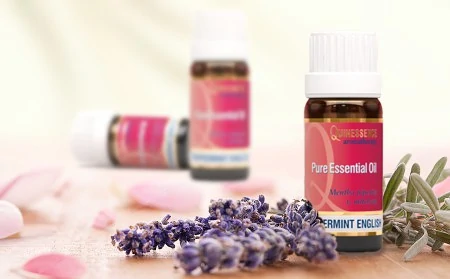
Essential Oils
A vast range of analytically tested oils including Pure Essential Oils, & Absolutes, plus blended Synergies & Mood Enhancers


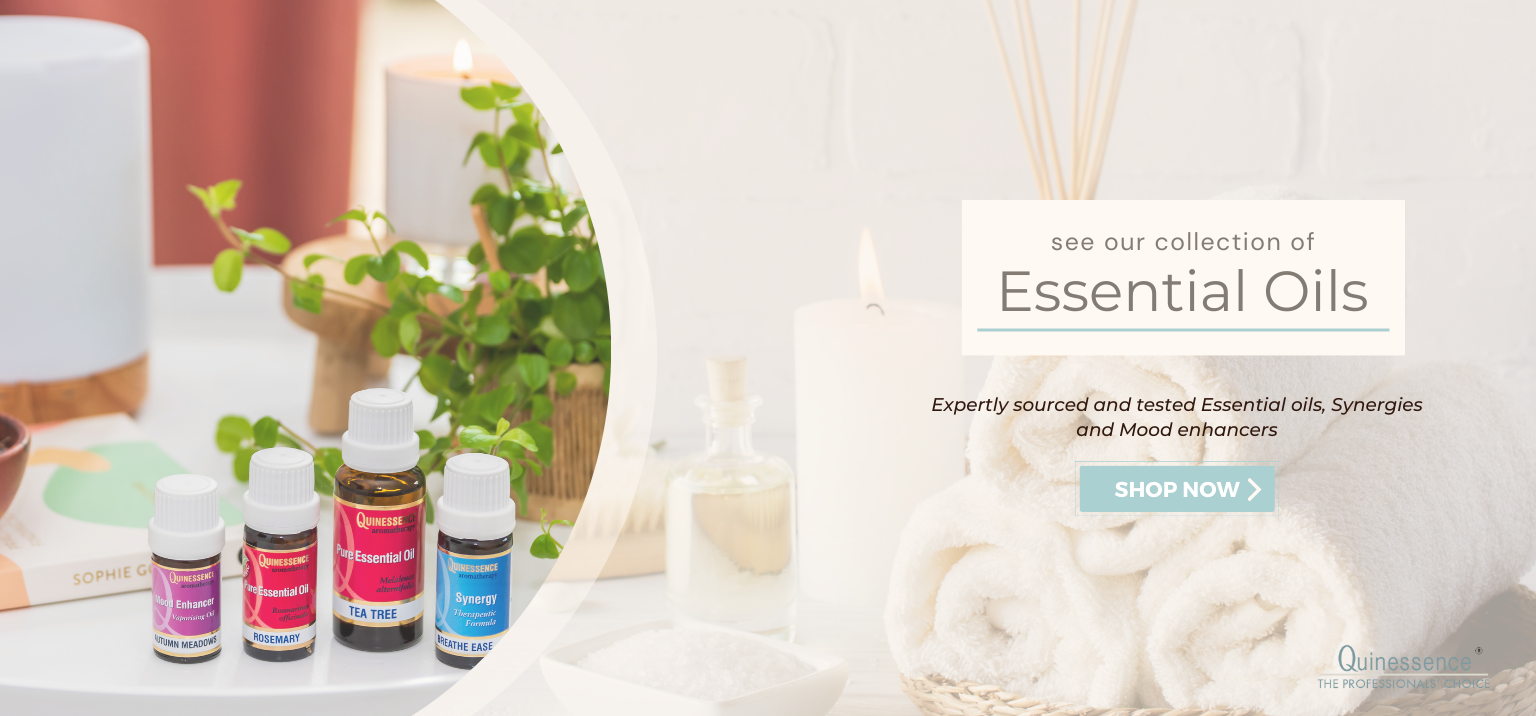
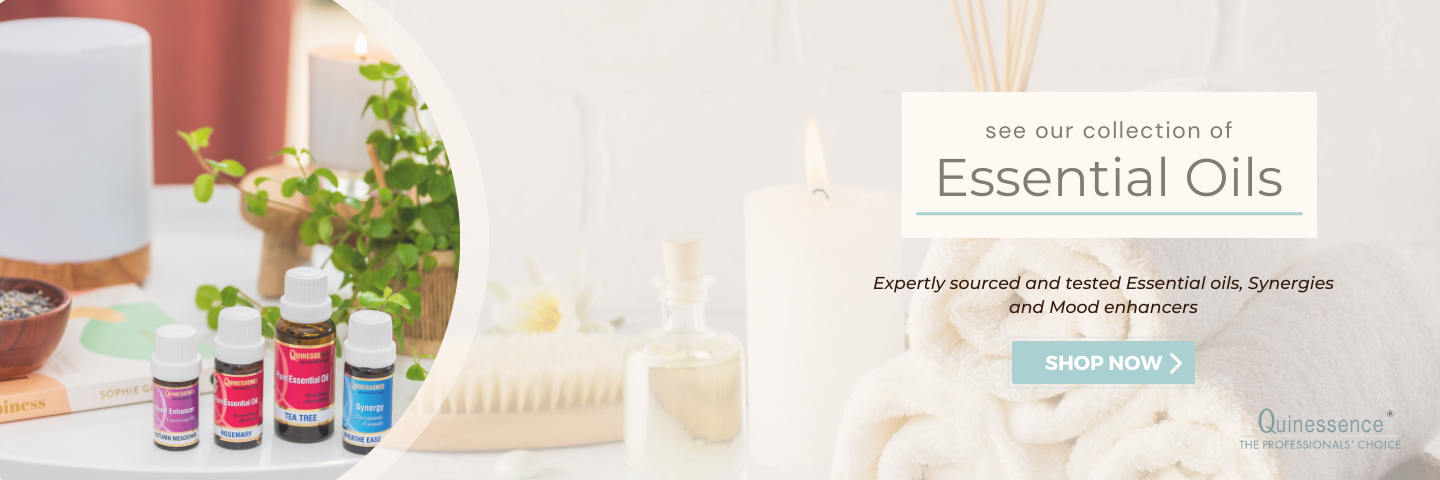
A vast range of analytically tested oils including Pure Essential Oils, & Absolutes, plus blended Synergies & Mood Enhancers
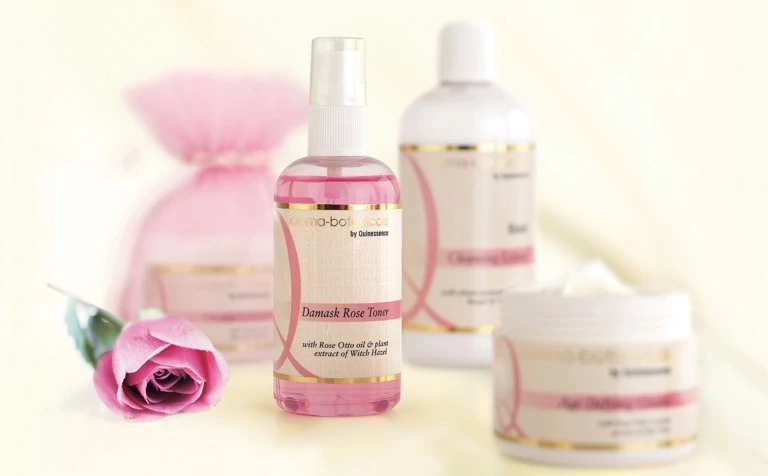
Nourish your face & body with our range of Award-winning skincare collection of Creams, Lotions, Gels, & Masks
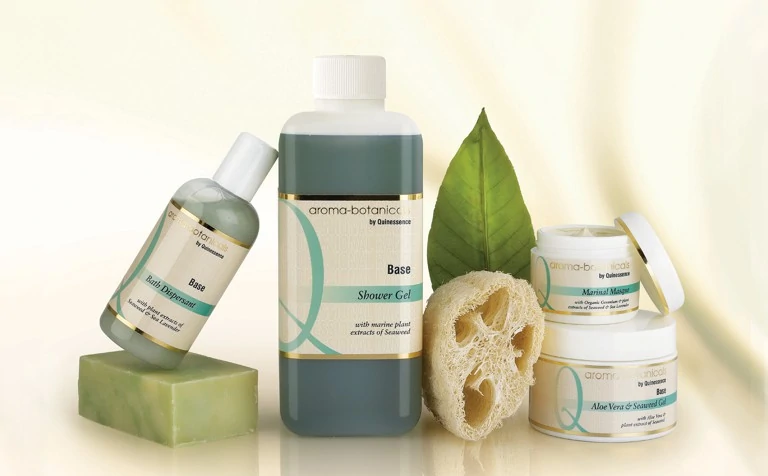
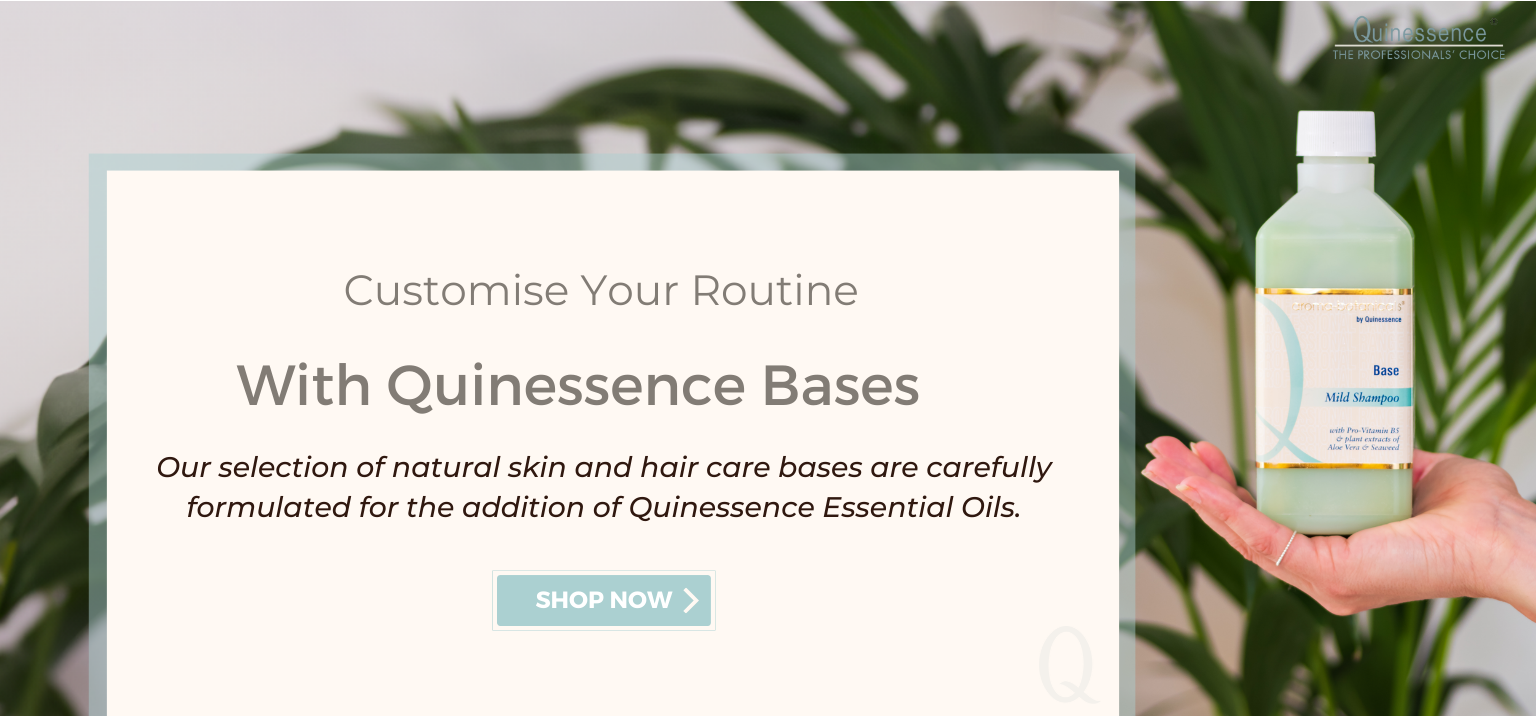
Pamper yourself with our luxury Bath Soaks, Body Washes, Shampoos & Conditioners containing Organic Essential Oils
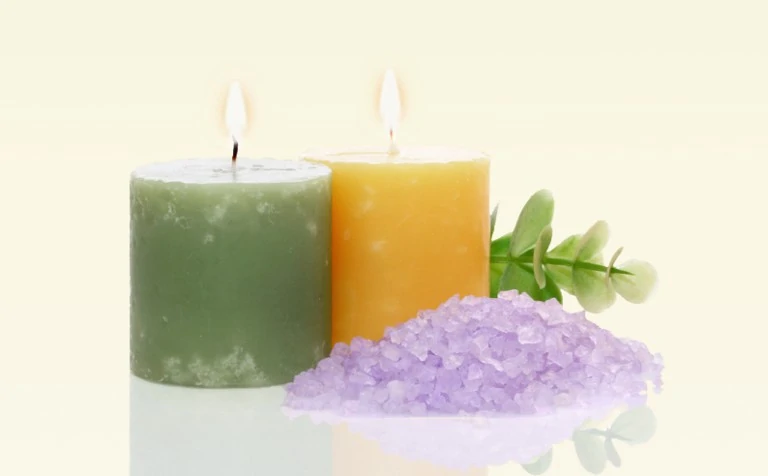
Create a warm and welcoming ambiance in your home with our aromatherapy Candles, Tea Lights, & Incense Sticks
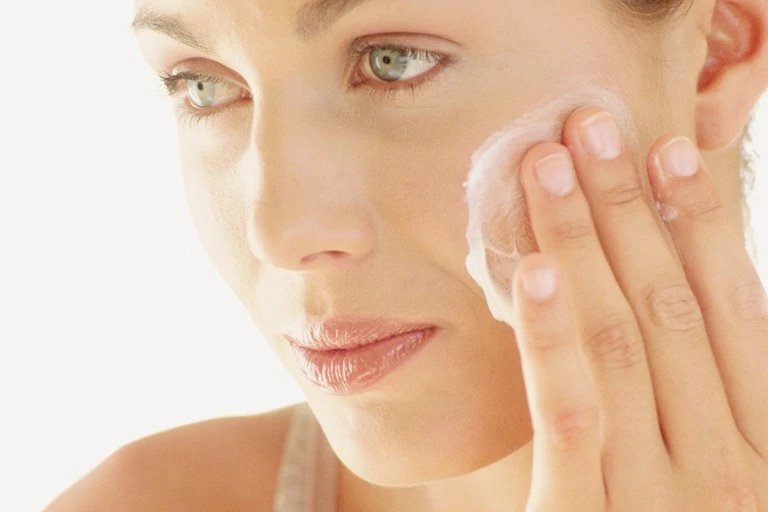
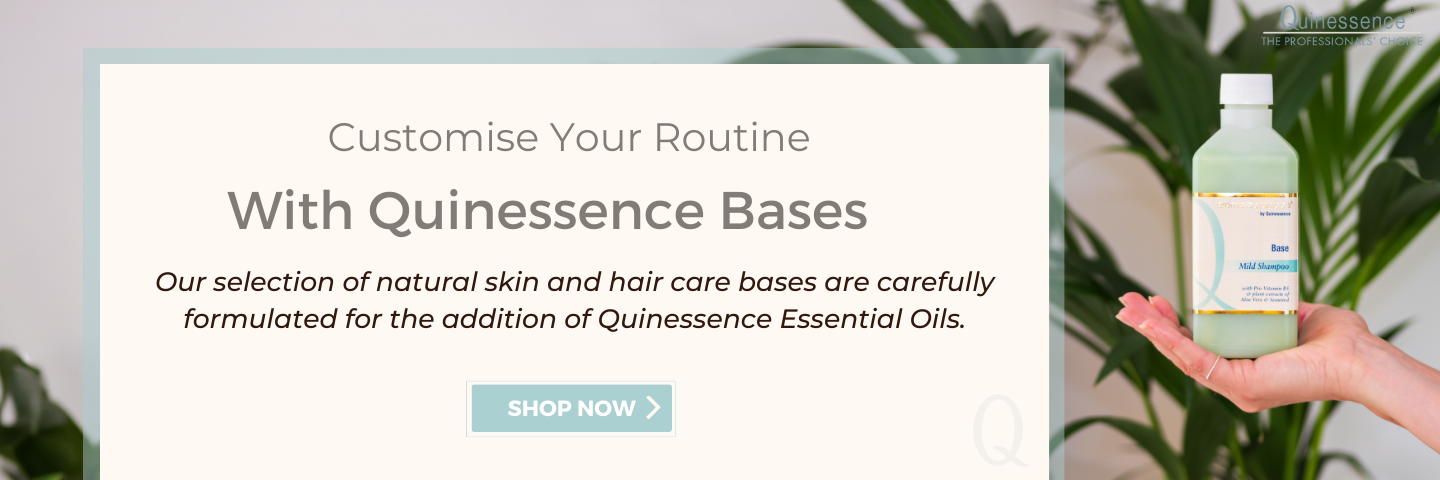
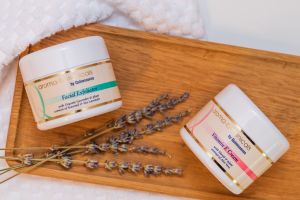
To rehydrate, revitalise and tone skin naturally, our award-winning Aroma-botanicals® Skin Care Collection utilizes the finest Organic Essential Oils plus nature's most effective botanicals such as Aloe Vera, Shea Butter, Evening Primrose, Ginseng, Lady's Thistle and Seaweed.
Aroma-botanicals® do not contain Parabens, Sodium Lauryl/Laureth Sulfate, mineral oils, animal-derived ingredients or harsh chemical preservatives. They were formulated by experts to provide you with gentle, effective aromatherapy skin care products that work in harmony with your mind and body, to bring you beautiful skin - naturally.
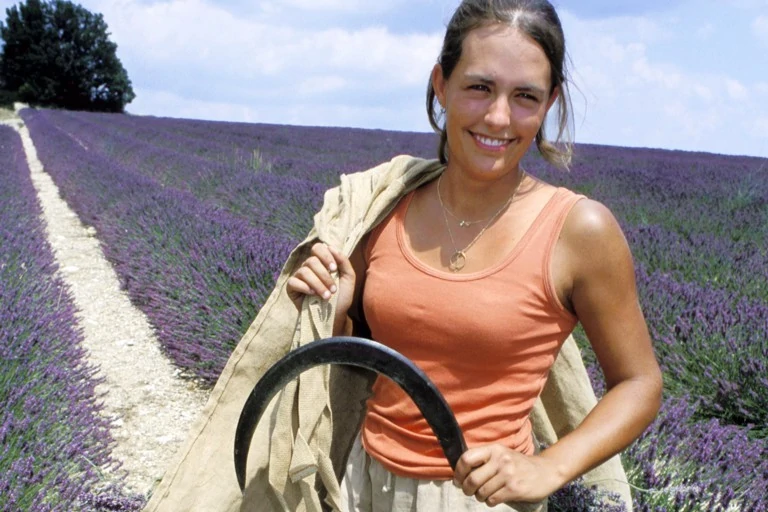
Quinessence aromatherapy oils are available in both organic and conventional forms, and either way you will be using the same essential oils that professionals use around the world, and not some impossibly cheap alternative that won't deliver the results you have paid for and deserve.

For the best therapeutic results, buy your aromatherapy oils from an expert supplier who uses sustainable, ethical sources and enforces rigorous essential oil purity testing as part of their quality control. To see the extraordinary lengths we go to in order to only supply 100% pure, unadulterated, natural oils, check out our information pages.
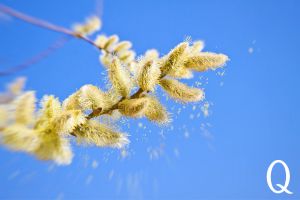
As the flowers bloom and the trees come back to life, spring brings with it an abundance of pollen that can trigger allergies and discomfort for...
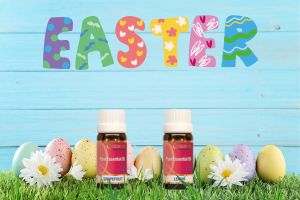
While Easter eggs and chocolate bunnies may be traditional symbols of the Easter weekend, why not add a touch of aromatherapy to your...
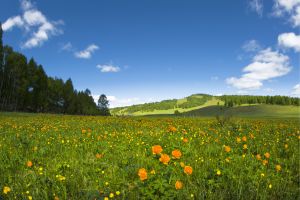
Spring has arrived and brought with it the promise of joy, new beginnings, growth and renewal. For many people, the dark winter nights and the colder...
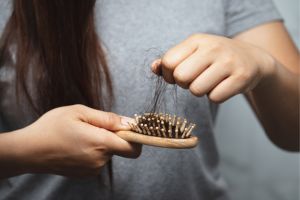
Did you know that if you are suffering from stress-induced hair loss, aromatherapy can be part of an effective, long-term strategy to regain and...
In a world filled of skincare products laden with harsh chemicals, it's no wonder that more and more people are turning to natural alternatives to...

The first few weeks of January here in the U.K. have seen record levels of rainfall, plus cold winds blowing from the polar regions, causing a sharp...
